


Polovodiče a elektronika
Heraeus Covantics
(Heraeus Conamic a Heraeus Comvance) Technologický lídr ve výrobě vysoce čistého křemene

The following labels refer to styling options/classes in the "STYLE" dropdown menu located in the toolbar in every Custom HTML Module's content editor.
Headline XXL
Headline 1
Headline 2
Headline 3
Headline 4
Body copy 18px TradeGothicLTPro-Bold
Lorem ipsum dolor sit amet, consectetur adipiscing elit. Vivamus laoreet, purus sed viverra finibus, ligula sapien pretium nisi, at facilisis augue leo et nisl. Proin vulputate, lectus in aliquam fermentum, justo felis luctus odio, ac fermentum ex ligula ac justo. Sed a nibh in odio pulvinar vehicula nec vel purus. Nullam pharetra metus eget odio gravida, non convallis justo hendrerit.
font-TradeGothic
font-TradeGothic-Italic
font-TradeGothic-Light
font-TradeGothic-LightItalic
font-TradeGothic-Bold
font-TradeGothic-BoldItalic
font-TradeGothic-BoldCondTwenty
font-TradeGothic-BoldCondTwentyItalic
font-TradeGothic-Condensed
font-TradeGothic-CondensedItalic
font-TradeGothic-StdExtended
font-TradeGothic-StdBoldExtended
#000000 Black
#ffffff White
#cccccc Accent
#535456 Text
#cc0000 Red
#007eb9 Blue
#84c5ed Soft Blue
#c8e2f7 Pale Blue
#37a8e0 Light Blue
#00559d Deep Blue
#002e63 Dark Blue
Primary Gradient
What CMS page templates are available to create new pages with?
The following CMS page templates are available in the "CMS Primary Theme" theme:
How do I replace placeholder ("lorem ipsum") or unwanted text content?
The content editor can be finicky. To replace placeholder or unwanted text, we recommend that you first click the “BLOCKS” button in the toolbar to reveal outlines surrounding block-level elements. Then, select the text you wish to replace and type in your desired text. Or, you can place your cursor at the end of the text you want to replace, add your desired text, and then select and delete the placeholder text preceding it. We do NOT recommend selecting all placeholder text in the editor and deleting it before you add your desired content. As a result you may accidentally erase necessary markup that the content depends on. It is always best to edit text elements one at a time rather than deleting everything you don’t want from the start.
Can I copy/paste from other sources?
Be very careful when copy/pasting text content from other sources into a Custom HTML module's content editor. When copying from an external document, take steps to ensure the text you are copying is plain text (as opposed to rich text.) When copying from a web page, make sure you are ONLY including text and not actual HTML tags (<p>, <br>, etc.) as this could result in unintended styling/format inconsistencies.
How do I change the appearance of text content (color, font size, etc)?
The “STYLE” dropdown in the toolbar can be used to edit the styling/appearance of content. Keep in mind that when you add a style from the dropdown, it does not overwrite other styles previously applied to the element. This allows greater flexibility in cases where you may need more than one syle applied, but you will need to remember to uncheck undesired styles after applying them.
Please refer to Style Management for examples of classes/styles you may apply.
Keep in mind that changing the appearance or styles of text should be done SPARINGLY - for the sake of consistency across pages, it is best to stick with the module's default styling whenever possible.
The "insert/edit link" button in the toolbar is used to create and modify links:
The "asset picker" button in the toolbar allows you to add images into the content editor. To modify an existing asset, click the asset and then click the "asset picker" button. Not all custom HTML modules were made with the intent to have an image placed in them. (Tip: If your default placeholder content did not contain an image, you should avoid adding one with this tool.)
Note: If you're including an image in a Custom HTML module, remember to consider the image alt text (which is editable through the "asset picker" button), and include a value when necessary. For more details, see "Do I need to update/include alt text for every image?" in General Tips/Advice for CMS Users.
The "insert code snippet" button in the toolbar adds pre-made snippets of code into the content editor. Note that code snippets are primarily (but not always) used as a way to revert either the entire content of a Custom HTML Module to its default state, or to revert a part of its content to its original state. For example, if you accidentally delete the headline and byline at the top of the Custom HTML Module included in Section 1, you can use a code snippet to add it back in. In most cases you will not need to use code snippets unless you're attempting to "fix" a module (i.e. bring back original content which was since removed.)
How can I ensure that my content will be accessible to all users?
Be sure to follow all recommendations and instructions given in this guide, particularly the recommendations involving link text, image alt text, and heading levels. To learn more about accessibility, please see Accessibility for Radancy CMS Publishers.
How can I add to or update the notes to this section?
Find this section (title: "CMS Guide Info") in your section list and edit its "CMS Guide Info - Copy" module to add as many notes as you'd like right here. Be careful to not delete any of the content above or below your notes!
Before using a section from this guide, please read the corresponding documentation for that section. Documentation is found above each section in this guide, on a black background.
Note that section titles are color coded based on which menu they can be found in after clicking the "add section" button on any page:
Red - find this section in the "Use Existing" Menu.
Green - find this section in the "Add New" Menu.
Keep in mind that when you edit a section from the "Use Existing" Menu, you are editing every instance of that section. Sections added via the "Add New" Menu are safe to be edited freely, as a new instance of the section is created everytime it is added to a page.
Suggested Use: Content Page Banner
Image Size and Quality: Users can upload images. Ensure images are of high quality and optimized for web use.
For mobile devices, recommended sizes are 750x1334 (9:16 ratio)
For desktop, recommended sizes are 1920x1080 (16:9 ratio) and 1280x720 (16:9 ratio).
Code Snippet:

Suggested Use: Content Page Banner
Image Size and Quality: Users can upload images. Ensure images are of high quality and optimized for web use.
For mobile devices, recommended sizes are 750x1334 (9:16 ratio)
For desktop, recommended sizes are 1920x1080 (16:9 ratio) and 1280x720 (16:9 ratio).
Code Snippet:
Suggested Use: Content Page Banner
Image Size and Quality: Users can upload images. Ensure images are of high quality and optimized for web use.
For mobile devices, recommended sizes are 750x1334 (9:16 ratio)
For desktop, recommended sizes are 1920x1080 (16:9 ratio) and 1280x720 (16:9 ratio).
Code Snippet:
Code Snippet:

Suggested Use: shorter copy
Code Snippet:
Lorem ipsum dolor sit amet, consectetur adipiscing elit. Sed eiusmod tempor incididunt ut labore et dolore magna aliqua. Ut enim ad minim veniam, quis nostrud exercitation ullamco laboris nisi ut aliquip ex ea commodo consequat. Duis aute irure dolor reprehenderit voluptate velit esse cillum dolore eu fugiat nulla pariatur.
Suggested Use: shorter copy
Code Snippet:
Lorem ipsum dolor sit amet, consectetur adipiscing elit. Sed eiusmod tempor incididunt ut labore et dolore magna aliqua. Ut enim ad minim veniam, quis nostrud exercitation ullamco laboris nisi ut aliquip ex ea commodo consequat. Duis aute irure dolor reprehenderit voluptate velit esse cillum dolore eu fugiat nulla pariatur.
Suggested Use: N/A
Image Size and Quality: Users can upload images. Ensure images are of high quality and optimized for web use.
For this section:
For mobile devices, we recommend 9:16 aspect ratio sizes like 750x1334 and 1080x1920.
For desktop, the recommended sizes are 960x540 and 1280x720, both maintaining the 16:9 ratio.
Text Content: Use the WYSIWYG to add and edit text content
Style Management: The style of text and buttons within this section can be customized through the WYSIWYG editor.
Accessibility: If the image is not purely decorative and convey a message, please provide a descriptive alt text for the image. This ensures accessibility for users with visual impairments, allowing screen readers to convey the content and context of the image effectively. For more information, refer to WCAG 2.1, Success Criterion 1.1.1: Non-text Content.
Lorem ipsum dolor sit amet, consectetur adipiscing elit, sed do eiusmod tempor incididunt ut labore et dolore magna aliqua. Ut enim ad minim veniam, quis nostrud exercitation ullamco laboris nisi ut aliquip ex ea commodo consequat. Duis aute irure dolor in reprehenderit in voluptate velit esse cillum dolore eu fugiat nulla in culpa qui officia deserunt mollit anim id est laborum. a commodo consequat.

Suggested Use: N/A
Image Size and Quality: Users can upload images. Ensure images are of high quality and optimized for web use.
For this section:
For mobile devices, we recommend 9:16 aspect ratio sizes like 750x1334 and 1080x1920.
For desktop, the recommended sizes are 960x540 and 1280x720, both maintaining the 16:9 ratio.
Text Content: Use the WYSIWYG to add and edit text content
Style Management: The style of text and buttons within this section can be customized through the WYSIWYG editor.
Accessibility: If the image is not purely decorative and convey a message, please provide a descriptive alt text for the image. This ensures accessibility for users with visual impairments, allowing screen readers to convey the content and context of the image effectively. For more information, refer to WCAG 2.1, Success Criterion 1.1.1: Non-text Content.
Lorem ipsum dolor sit amet, consectetur adipiscing elit, sed do eiusmod tempor incididunt ut labore et dolore magna aliqua. Ut enim ad minim veniam, quis nostrud exercitation ullamco laboris nisi ut aliquip ex ea commodo consequat. Duis aute irure dolor in reprehenderit in voluptate velit esse cillum dolore eu fugiat nulla in culpa qui officia deserunt mollit anim id est laborum. a commodo consequat.
Suggested Use: N/A
Image Size and Quality: Users can upload images. Ensure images are of high quality and optimized for web use.
For this section:
For mobile devices, we recommend 9:16 aspect ratio sizes like 750x1334 and 1080x1920.
For desktop, the recommended sizes are 960x540 and 1280x720, both maintaining the 16:9 ratio.
Text Content: Use the WYSIWYG to add and edit text content
Style Management: The style of text and buttons within this section can be customized through the WYSIWYG editor.
Accessibility: If the image is not purely decorative and convey a message, please provide a descriptive alt text for the image. This ensures accessibility for users with visual impairments, allowing screen readers to convey the content and context of the image effectively. For more information, refer to WCAG 2.1, Success Criterion 1.1.1: Non-text Content.
Code Snippet:
Lorem ipsum dolor sit amet, consectetur adipiscing elit, sed do eiusmod tempor incididunt ut labore et dolore magna aliqua. Ut enim ad minim veniam, quis nostrud exercitation ullamco laboris nisi ut aliquip ex ea commodo consequat. Duis aute irure dolor in reprehenderit in voluptate velit esse cillum dolore eu fugiat nulla in culpa qui officia deserunt mollit anim id est laborum. a commodo consequat.
Suggested Use: N/A
Image Size and Quality: Users can upload images. Ensure images are of high quality and optimized for web use.
For mobile devices, recommended sizes are 750x1334 (9:16 ratio)
For desktop, recommended sizes are 1920x1080 (16:9 ratio) and 1280x720 (16:9 ratio).
Text Content: Use the WYSIWYG to add and edit text content
Style Management: The style of text and buttons within this section can be customized through the WYSIWYG editor.
Accessibility: If the image is not purely decorative and convey a message, please provide a descriptive alt text for the image. This ensures accessibility for users with visual impairments, allowing screen readers to convey the content and context of the image effectively. For more information, refer to WCAG 2.1, Success Criterion 1.1.1: Non-text Content.
Lorem ipsum dolor sit amet, consectetur adipiscing elit, sed do eiusmod tempor incididunt ut labore et dolore magna aliqua. Ut enim ad minim veniam, quis nostrud exercitation ullamco laboris nisi ut aliquip ex ea commodo consequat. Duis aute irure dolor in reprehenderit in voluptate velit esse cillum dolore eu fugiat nulla in culpa qui officia deserunt mollit anim id est laborum. a commodo consequat.
Suggested Use: Check Section 8
Lorem ipsum dolor sit amet, consectetur adipiscing elit, sed do eiusmod tempor incididunt ut labore et dolore magna aliqua. Ut enim ad minim veniam, quis nostrud exercitation ullamco laboris nisi ut aliquip ex ea commodo consequat. Duis aute irure dolor in reprehenderit in voluptate velit esse cillum dolore eu fugiat nulla in culpa qui officia deserunt mollit anim id est laborum. a commodo consequat.
Suggested Use: N/A
Image Size and Quality: Users can upload images. Ensure images are of high quality and optimized for web use.
Recommended minimum size is 564 × 342 px
Text Content: Use the WYSIWYG to add and edit text content
Style Management: The style of text and buttons within this section can be customized through the WYSIWYG editor.
Accessibility: If the image is not purely decorative and convey a message, please provide a descriptive alt text for the image. This ensures accessibility for users with visual impairments, allowing screen readers to convey the content and context of the image effectively. For more information, refer to WCAG 2.1, Success Criterion 1.1.1: Non-text Content.

Lorem ipsum dolor sit amet, consectetur adipiscing elit. Vivamus laoreet, purus sed viverra finibus, ligula sapien pretium nisi, at facilisis augue leo et nisl. Proin vulputate, lectus in aliquam fermentum, justo felis luctus odio, ac fermentum ex ligula ac justo. Sed a nibh in odio pulvinar vehicula nec vel purus. Nullam pharetra metus eget odio gravida, non convallis justo hendrerit.
Suggested Use: N/A
Image Size and Quality: Users can upload images for a video thumbnail. Ensure images are of high quality and optimized for web use.
Recommended minimum size is 564 × 342 px
Text Content: Use the WYSIWYG to add and edit text content
Style Management: The style of text and buttons within this section can be customized through the WYSIWYG editor.
Accessibility: If the image is not purely decorative and convey a message, please provide a descriptive alt text for the image. This ensures accessibility for users with visual impairments, allowing screen readers to convey the content and context of the image effectively. For more information, refer to WCAG 2.1, Success Criterion 1.1.1: Non-text Content.
Code Snippet:
Lorem ipsum dolor sit amet, consectetur adipiscing elit. Vivamus laoreet, purus sed viverra finibus, ligula sapien pretium nisi, at facilisis augue leo et nisl. Proin vulputate, lectus in aliquam fermentum, justo felis luctus odio, ac fermentum ex ligula ac justo. Sed a nibh in odio pulvinar vehicula nec vel purus. Nullam pharetra metus eget odio gravida, non convallis justo hendrerit.
Suggested Use: N/A
Image Size and Quality: Users can upload images for a video thumbnail. Ensure images are of high quality and optimized for web use.
Recommended minimum size is 564 × 342 px
Text Content: Use the WYSIWYG to add and edit text content
Style Management: The style of text and buttons within this section can be customized through the WYSIWYG editor.
Accessibility: If the image is not purely decorative and convey a message, please provide a descriptive alt text for the image. This ensures accessibility for users with visual impairments, allowing screen readers to convey the content and context of the image effectively. For more information, refer to WCAG 2.1, Success Criterion 1.1.1: Non-text Content.
Code Snippet:
Lorem ipsum dolor sit amet, consectetur adipiscing elit. Vivamus laoreet, purus sed viverra finibus, ligula sapien pretium nisi, at facilisis augue leo et nisl. Proin vulputate, lectus in aliquam fermentum, justo felis luctus odio, ac fermentum ex ligula ac justo. Sed a nibh in odio pulvinar vehicula nec vel purus. Nullam pharetra metus eget odio gravida, non convallis justo hendrerit.
Suggested Use: Use this section when you want to have pages dynamically pulled into the module, based on pillar channels and filters.
Reminder: Only a Developer can access the actual Dynamic module (or "Content Feed" module) within this Section.
Lorem ipsum dolor sit amet, consectetur adipiscing elit, sed do eiusmod tempor incididunt ut labore et dolore magna aliqua. Ut enim ad minim veniam, quis nostrud exercitation ullamco laboris nisi ut aliquip ex ea commodo consequat. Duis aute irure dolor in reprehenderit in voluptate velit esse cillum dolore eu fugiat nulla in culpa qui officia deserunt mollit anim id est laborum. a commodo consequat.

Inovace jsou součástí naší DNA.
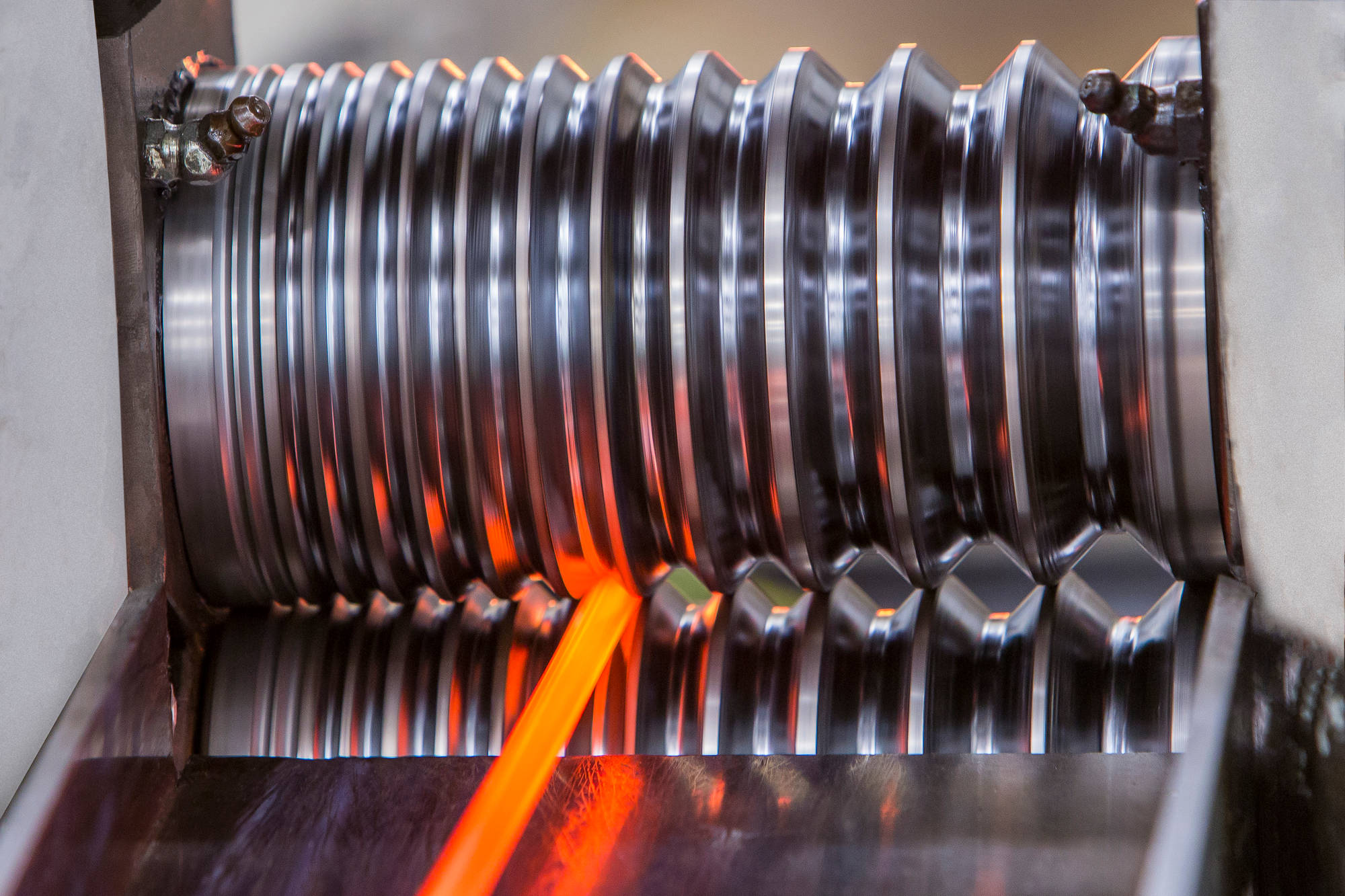
Umožňujeme pokrok prostřednictvím materiálů a technologií.


Objevte své kariérní příležitosti ve společnosti Heraeus. Zjistěte, proč je Heraeus stabilním a atraktivním zaměstnavatelem pro začátek vaší kariéry.
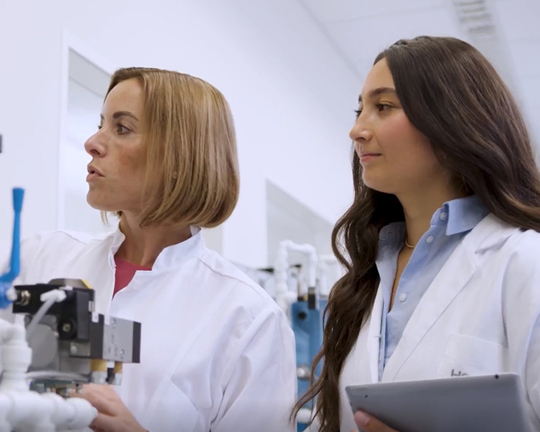
Jaké je to pracovat ve společnosti Heraeus? Kdo by na tuto otázku dokázal odpovědět lépe než naši zaměstnanci?
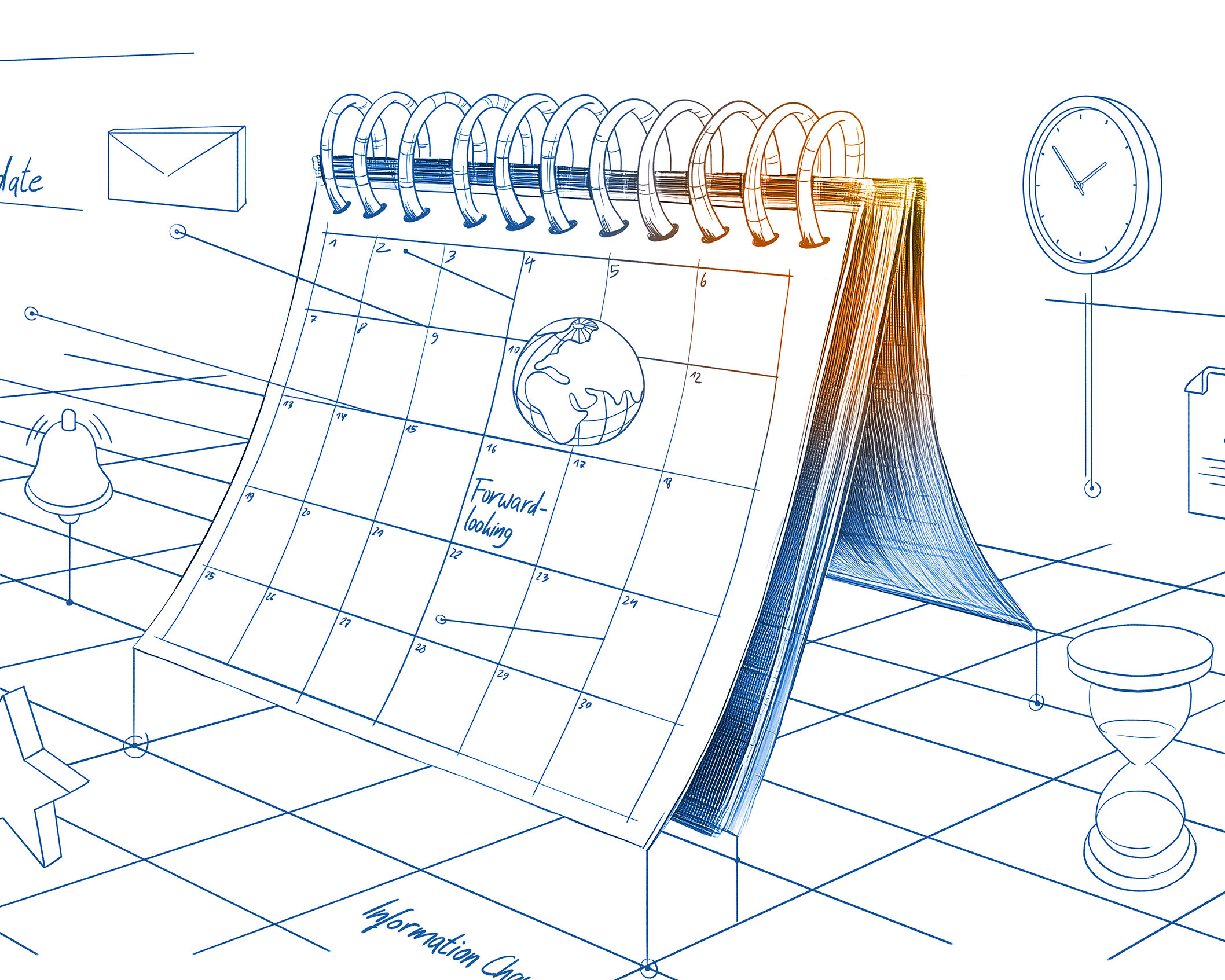
Jak se mohu ucházet o práci ve společnosti Heraeus? Na koho se mohu obrátit s dotazy? Připravili jsme pro vás odpovědi na nejčastější otázky.
Tým Heraeus chce posouvat věci vpřed. Vy také. Objevte naše pracovní příležitosti!

Nová role, vysoká očekávání a odvážné poslání: Příběh o tom, jak proměnit první manažerské výzvy v kariérní růst a úspěch týmu.

Těšíte se na budoucnost. My také. Vydejte se na svou profesní cestu s námi!

Cink! Martininy plány na dnešek? Dokonale načasované. Všechno je naprosto jasné. A pak přijde ten okamžik, kdy je zřejmé, že všechno bude jinak, než bylo v plánu. Jak se může pestrá směs úkolů a událostí proměnit v turbo produktivity? Přečtěte si více!
Slyšíte to? To je rytmus vaší komfortní zóny. Příjemná, bezpečná, ale také znepokojivě neměnná. Arthur si to uvědomil a proměnil svou kariérní cestu ve vlastní běžeckou trasu. Objevte v našem příběhu fascinující paralelu mezi běžeckými botami a cestou k úspěchu!

Vyprávěli jste někdy příběhy nebo využili sílu hry, abyste skutečně oslovili lidi? Anja si zvolila právě tuto cestu. Její koncept školení pro větší bezpečnost na pracovišti staví na zkušenosti namísto pouhých instrukcí. Přečtěte si její příběh a zjistěte, proč tento přístup přináší skvělé výsledky.

Naše odborné znalosti se soustředí na materiály.

Luis has worked at Heraeus Medevio for almost twelve years. That is nearly one-third of his life. For many people, this may seem unusual – especially at a time when changing jobs has become common. For Luis, the answer is simple: respect. Discover how respect shapes his everyday experience at work.

At Heraeus Medevio, Dídimo knows almost every production line and many of the machines by heart. For years, he has been wherever support is needed on Shift A – sometimes on one line, sometimes on two. And when time allows, he can also be found on a soccer field with his colleagues. Discover why joining Heraeus Medevio turned out to be the most important decision of his life.

Almost ten years ago, Fabiola’s first day in the medical technology industry began with a two-hour commute. Today, her workplace at Heraeus Medevio is only a few minutes away. In between lie not only new buildings and production lines, but also Fabiola’s own personal growth story.
Suggested Use: Use this section when you want to handpick which pages to feature in the related content section.
A CMS user can manually select the pages that will show up in this section.
Lorem ipsum dolor sit amet, consectetur adipiscing elit, sed do eiusmod tempor incididunt ut labore et dolore magna aliqua. Ut enim ad minim veniam, quis nostrud exercitation ullamco laboris nisi ut aliquip ex ea commodo consequat. Duis aute irure dolor in reprehenderit in voluptate velit esse cillum dolore eu fugiat nulla in culpa qui officia deserunt mollit anim id est laborum. a commodo consequat.
Suggested Use: Use this section when you want to handpick via dropdown which pages to feature.
Lorem ipsum dolor sit amet, consectetur adipiscing elit. Sed do eiusmod tempor incididunt ut labore et dolore magna aliqua. Ut enim ad minim veniam, quis nostrud exercitation ullamco laboris. Nisi ut aliquip ex ea commodo consequat. Duis aute irure dolor in.
Suggested Use: Use this section when you want to handpick via Call Out Link which pages to feature.
Lorem ipsum dolor sit amet, consectetur adipiscing elit. Sed do eiusmod tempor incididunt ut labore et dolore magna aliqua. Ut enim ad minim veniam, quis nostrud exercitation ullamco laboris. Nisi ut aliquip ex ea commodo consequat. Duis aute irure dolor in.

Lorem ipsum dolor sit amet, consectetur adipiscing elit. Praesent eget consectetur augue. Nulla tempor viverra dignissim. Mauris nulla dolor, suscipit ac nisi et, luctus accumsan nisl. Vestibulum pulvinar dolor sed purus maximus, a interdum augue interdum
Lorem ipsum dolor sit amet, consectetur adipiscing elit. Praesent eget consectetur augue. Nulla tempor viverra dignissim. Mauris nulla dolor, suscipit ac nisi et, luctus accumsan nisl. Vestibulum pulvinar dolor sed purus maximus, a interdum augue interdum
Suggested Use: N/A
Image Size and Quality: Users can upload icon images. Please resize images to fit this module.
Text Content:
The module has been adapted for this use and to be dynamic, allowing all numbers to spin for one second upon scrolling.
Code Snippet:

Suggested Use: N/A
Image Size and Quality: Users can upload icon images. Please resize images to fit this module.
Text Content:
The module has been adapted for this use and to be dynamic, allowing all numbers to spin for one second upon scrolling.
Code Snippet:

Suggested Use: Pages are selected using a Content Page Display module. Copy intro can be edited with WYSIWYG.
Lorem ipsum dolor sit amet, consectetur adipiscing elit. Vestibulum aliquet risus vitae ante tincidunt semper. Aenean laoreet, nibh et posuere egestas, orci neque gravida risus, non rhoncus nunc mauris ac enim.
Suggested Use: Pages are selected using a Content Page Display module. Copy intro can be edited with WYSIWYG.
Lorem ipsum dolor sit amet, consectetur adipiscing elit. Vestibulum aliquet risus vitae ante tincidunt semper. Aenean laoreet, nibh et posuere egestas, orci neque gravida risus, non rhoncus nunc mauris ac enim.
Suggested Use: Pages are selected using a Content Page Display module. Copy intro can be edited with WYSIWYG.
Lorem ipsum dolor sit amet, consectetur adipiscing elit. Vestibulum aliquet risus vitae ante tincidunt semper. Aenean laoreet, nibh et posuere egestas, orci neque gravida risus, non rhoncus nunc mauris ac enim.
Suggested Use: No notes.
Code Snippet:
Lorem ipsum dolor sit amet, consectetur adipiscing elit. Vestibulum aliquet risus vitae ante tincidunt semper. Aenean laoreet, nibh et posuere egestas, orci neque gravida risus, non rhoncus nunc mauris ac enim.
Suggested Use: No notes.
Code Snippet:
Lorem ipsum dolor sit amet, consectetur adipiscing elit. Vestibulum aliquet risus vitae ante tincidunt semper. Aenean laoreet, nibh et posuere egestas, orci neque gravida risus, non rhoncus nunc mauris ac enim.
Suggested Use: The slider module is not CMS-able. The content is located in the layout of the module and needs a developer update or add a new version.
Headline 1
Lorem ipsum dolor sit amet, consectetur adipiscing elit. Nulla cursus, metus at sollicitudin tincidunt, eros lectus faucibus dui, vel pulvinar massa justo id mi.
Headline 2
Lorem ipsum dolor sit amet, consectetur adipiscing elit. Nulla cursus, metus at sollicitudin tincidunt, eros lectus faucibus dui, vel pulvinar massa justo id mi.
Headline 3
Lorem ipsum dolor sit amet, consectetur adipiscing elit. Nulla cursus, metus at sollicitudin tincidunt, eros lectus faucibus dui, vel pulvinar massa justo id mi.
Headline 4
Lorem ipsum dolor sit amet, consectetur adipiscing elit. Nulla cursus, metus at sollicitudin tincidunt, eros lectus faucibus dui, vel pulvinar massa justo id mi.
Suggested Use: Pages are selected using a Callout Action Link module. Copy intro can be edited with WYSIWYG.
Lorem ipsum dolor sit amet, consectetur adipiscing elit. Vestibulum aliquet risus vitae ante tincidunt semper. Aenean laoreet, nibh et posuere egestas, orci neque gravida risus, non rhoncus nunc mauris ac enim.
Code Snippet: Section 24 - Image / Heading / Copy / CTA
Text Content: Use the WYSIWYG to add and edit text content
Our activities as an employer are closely linked to the Heraeus vision. “We are powered by our people” is an established principle for us.
Learn moreOur activities as an employer are closely linked to the Heraeus vision. “We are powered by our people” is an established principle for us.
Learn moreOur activities as an employer are closely linked to the Heraeus vision. “We are powered by our people” is an established principle for us.
Learn moreOur activities as an employer are closely linked to the Heraeus vision. “We are powered by our people” is an established principle for us.
Learn moreCode Snippet: Section 25 - Icon / Headline / Copy / CTA
Text Content: Use the WYSIWYG to add and edit text content
Image Content: Use the WYSIWYG to add and edit IMAGE- icons—75px by 75px is the recommended size.
Code Snippet:
Lorem ipsum dolor sit amet, consectetur adipiscing elit, sed do eiusmod tempor incididunt ut labore et dolore magna aliqua. Ut enim ad minim veniam, quis nostrud exercitation ullamco laboris nisi ut aliquip ex ea commodo consequat. Duis aute irure dolor in reprehenderit in voluptate velit.
Code Snippet: Section 25 - Icon / Headline / Copy / CTA
Text Content: Use the WYSIWYG to add and edit text content
Image Content: Use the WYSIWYG to add and edit IMAGE- icons—75px by 75px is the recommended size.
Code Snippet:
Lorem ipsum dolor sit amet, consectetur adipiscing elit, sed do eiusmod tempor incididunt ut labore et dolore magna aliqua. Ut enim ad minim veniam, quis nostrud exercitation ullamco laboris nisi ut aliquip ex ea commodo consequat. Duis aute irure dolor in reprehenderit in voluptate velit.
Suggested Use: The slider module is not CMS-able. The content is located in the layout of the module and needs a developer to update or add a new version.
Suggested Use: N/A
Text Content: Use the WYSIWYG to add and edit text content
Lorem ipsum dolor sit amet, consectetur adipiscing elit. Quisque at vulputate purus, sit amet sollicitudin ipsum. Phasellus vestibulum eros eu magna tristique faucibus vel sed ex. Maecenas condimentum mauris at dolor congue, at sollicitudin felis elementum. Fusce tempus ex nunc, sit amet feugiat nunc cursus sed. Praesent pharetra semper metus vel bibendum. In ipsum ligula, tempor id diam vel, hendrerit pharetra mauris. In maximus pulvinar mauris, ac bibendum nibh egestas ac. Integer et dui mi.
Sed pretium sapien in tellus lobortis, placerat facilisis lorem eleifend. Aenean luctus lacus augue, quis ultricies lectus lacinia eu. Pellentesque non malesuada metus, et pellentesque libero. Aliquam quis sapien erat. Vestibulum ut leo vitae felis euismod tempor. Duis quis dolor tellus. Morbi molestie nisl ac lacus dictum scelerisque. Pellentesque tempor, est at aliquet porttitor, diam dui elementum odio, quis pretium lorem dolor in erat. In pretium sit amet urna suscipit ornare.
Suggested Use: N/A
Media Content: Use the Media module to update the video .
Suggested Use: N/A
Media Content: Use the Media module to update the image.

Suggested Use: Use the WYSIWYG to add and edit text content and use the media module to add an image or a video.
Nulla erat urna, fringilla sit amet ultrices in, malesuada eu massa. Etiam rutrum ultricies nibh ac tincidunt. Duis et vehicula urna. Sed dapibus bibendum elit sed vehicula. Morbi vulputate in nibh condimentum blandit. Maecenas congue nisi ac tellus blandit fringilla.
Suggested Use: Use the WYSIWYG to add and edit text content for both intro and items
Lorem ipsum dolor sit amet, consectetur adipiscing elit. Nulla auctor eros suscipit hendrerit viverra. Sed sit amet neque suscipit, varius leo vitae, viverra libero.
Lorem ipsum dolor sit amet, consectetur adipiscing elit. Nulla auctor eros suscipit hendrerit viverra. Sed sit amet neque suscipit, varius leo vitae, viverra libero.
Lorem ipsum dolor sit amet, consectetur adipiscing elit. Nulla auctor eros suscipit hendrerit viverra. Sed sit amet neque suscipit, varius leo vitae, viverra libero.
Lorem ipsum dolor sit amet, consectetur adipiscing elit. Nulla auctor eros suscipit hendrerit viverra. Sed sit amet neque suscipit, varius leo vitae, viverra libero.
Lorem ipsum dolor sit amet, consectetur adipiscing elit. Nulla auctor eros suscipit hendrerit viverra. Sed sit amet neque suscipit, varius leo vitae, viverra libero.
Lorem ipsum dolor sit amet, consectetur adipiscing elit. Nulla auctor eros suscipit hendrerit viverra. Sed sit amet neque suscipit, varius leo vitae, viverra libero.
Code Snippet: Section 32 - Address List
Suggested Use: Use the WYSIWYG to add and edit text content.
Nullam id vestibulum lectus. Curabitur commodo posuere sapien, non vulputate lorem dapibus vitae. Fusce est ligula, tincidunt eget cursus vel.
Address Label
123 Name Street
Address Label
123 Name Street
Address Label
123 Name Street
Suggested Use: Use the WYSIWYG to add and edit text content.
Links added to this section will appear green, but not in WYSIWYG
Code Snippet:
Nullam id vestibulum lectus. Curabitur commodo posuere sapien, non vulputate lorem dapibus vitae. Fusce est ligula, tincidunt eget cursus vel.
Address Label
123 Name Street
Address Label
123 Name Street
Address Label
123 Name Street
Suggested Use: The slider module is not CMS-able. The content is located in the layout of the module and needs a developer to update or add a new version.
Lorem ipsum dolor sit amet, consectetur adipiscing elit. Maecenas gravida nisl quis finibus aliquet. Mauris vitae purus porta erat condimentum eleifend. Aenean id augue tempus, lobortis nibh eget, molestie leo. Nullam vestibulum tincidunt sapien vitae vulputate. Aenean pharetra eros vel leo vehicula sagittis. Vestibulum convallis magna quis sapien egestas, et blandit massa aliquam. Praesent posuere nisi eget sapien ullamcorper, in interdum urna ultricies.
Sub-headline
Sub-headline
Sub-headline
Sub-headline
Sub-headline
Sub-headline
Sub-headline
Sub-headline
Suggested Use: Use the WYSIWYG to add and edit text content.
Links added to this section will appear green, but not in WYSIWYG
Code Snippet:
Decentralizovaná struktura skupiny Heraeus vám nabízí širokou škálu kariérních příležitostí. Ve které z našich provozních společností byste chtěli začít?
Polovodiče a elektronika
(Heraeus Conamic a Heraeus Comvance) Technologický lídr ve výrobě vysoce čistého křemene
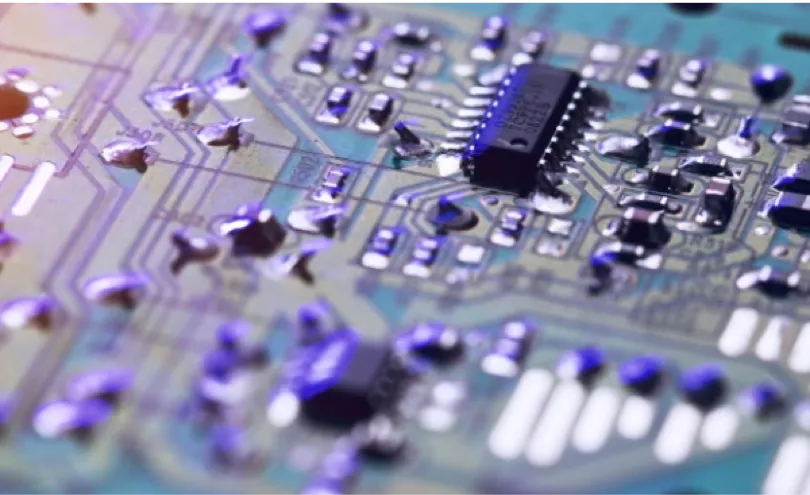
Polovodiče a elektronika
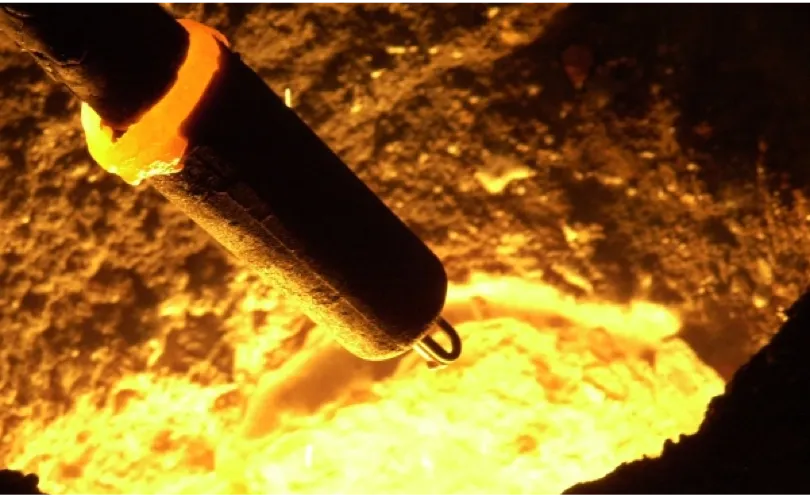
Průmysl
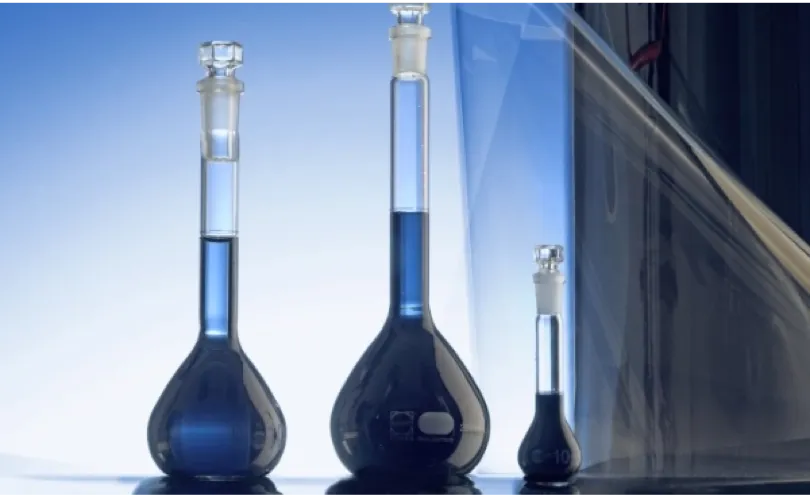
Polovodiče a elektronika
Tržní lídr v oblasti materiálů pro kondenzátory, displeje a fotorezisty
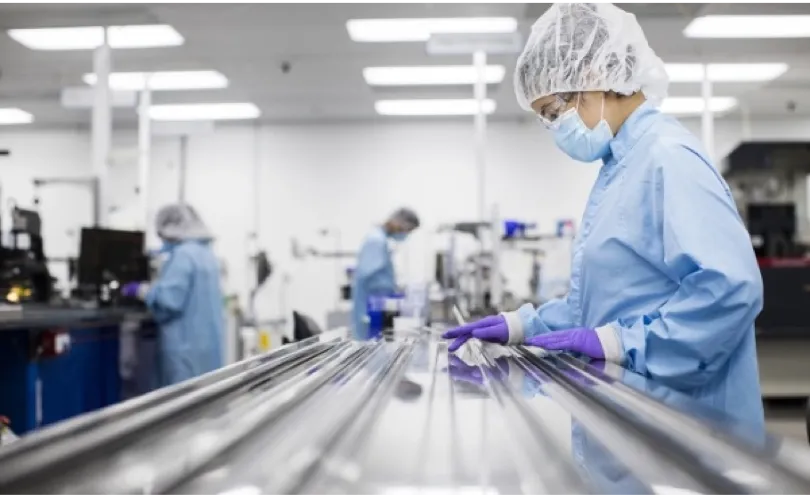
Zdravotnictví
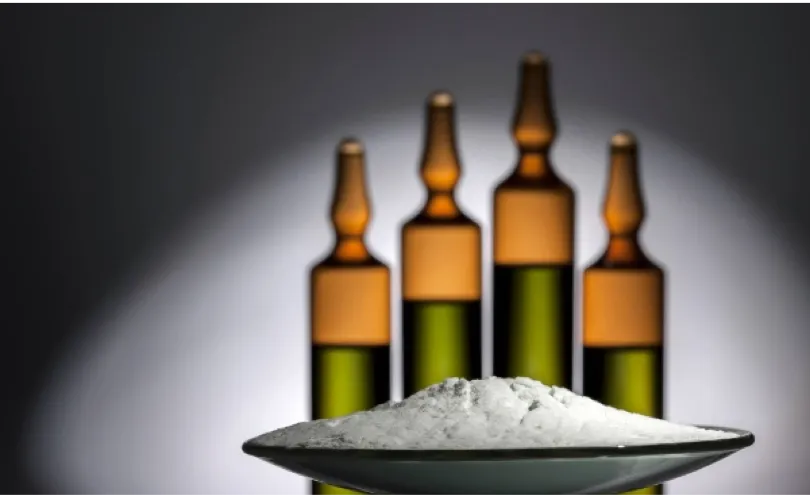
Zdravotnictví
Produkty pro ortopedickou chirurgii a zdravotnické technologie

Zdravotnictví
Komplexní outsourcingová řešení v oblasti zdravotnických technologií

Drahé kovy

Drahé kovy
Obchoduje s drahými kovy, rafinuje je a recykluje, aby zajistila spolehlivé dodavatelské řetězce pro průmysl a zdravotnictví

Drahé kovy
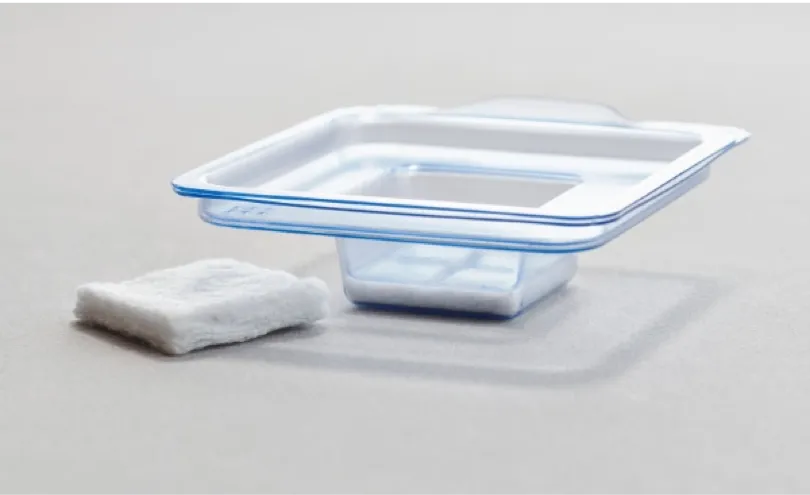
Zdravotnictví
Specialista na technologii bioaktivního boritanového skla pro medicínské inženýrství

Zdravotnictví
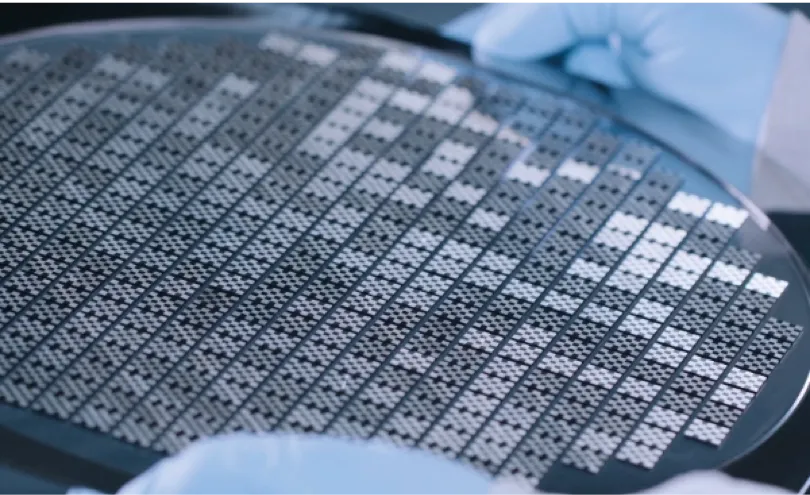
Polovodiče a elektronika
Dodavatel bezmaskových kovových inkoustů MOD pro polovodičový průmysl
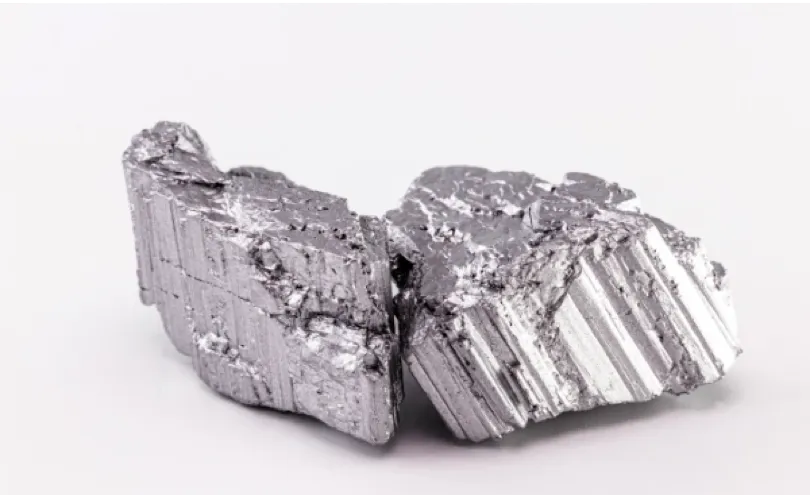
Drahé kovy
Řešení v oblasti neodymových magnetů prostřednictvím inovativní recyklace
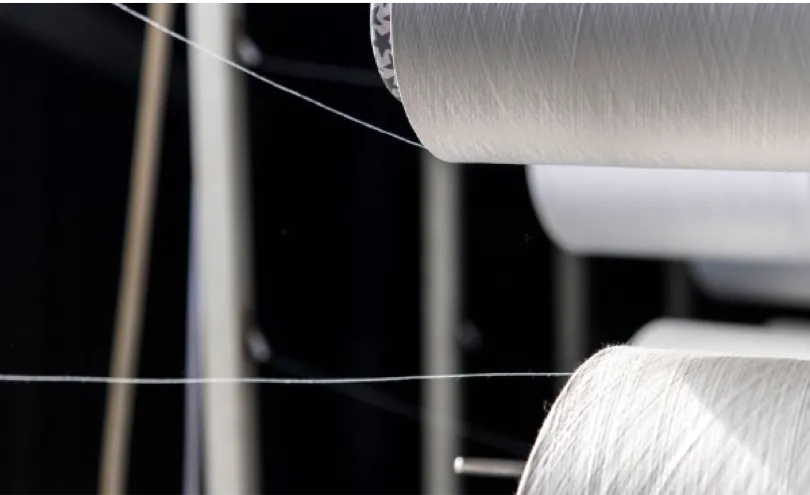
Drahé kovy
První recyklační závod na světě využívající glykolýzu pro chemický průmysl

Průmysl
Investice společnosti Heraeus pomáhající výrobcům oceli snižovat emise CO₂
Drahé kovy
Drahé kovy
Obchoduje s drahými kovy, rafinuje je a recykluje, aby zajistila spolehlivé dodavatelské řetězce pro průmysl a zdravotnictví
Drahé kovy
Drahé kovy
Řešení v oblasti neodymových magnetů prostřednictvím inovativní recyklace
Drahé kovy
První recyklační závod na světě využívající glykolýzu pro chemický průmysl
Zdravotnictví
Zdravotnictví
Produkty pro ortopedickou chirurgii a zdravotnické technologie
Zdravotnictví
Komplexní outsourcingová řešení v oblasti zdravotnických technologií
Zdravotnictví
Specialista na technologii bioaktivního boritanového skla pro medicínské inženýrství
Zdravotnictví
Polovodiče a elektronika
(Heraeus Conamic a Heraeus Comvance) Technologický lídr ve výrobě vysoce čistého křemene
Polovodiče a elektronika
Polovodiče a elektronika
Tržní lídr v oblasti materiálů pro kondenzátory, displeje a fotorezisty
Polovodiče a elektronika
Dodavatel bezmaskových kovových inkoustů MOD pro polovodičový průmysl
Průmysl
Průmysl
Investice společnosti Heraeus pomáhající výrobcům oceli snižovat emise CO₂
Code Snippet: